
Ship from Git in minutes
Connect a repo, pick a framework, and go live.
Platform team
Parslinks turns a Git push into a live preview. Connect the repo, choose a framework preset, and deploy without stitching together a custom pipeline.
Most teams lose hours on the same setup: install commands that differ between laptops, missing environment variables, and review links that expire before stakeholders open them. A Git-connected project should remove that friction on day one.
What you get
- Preview deployments for every meaningful branch
- Production promotes from the same verified artifact
- Build logs, status, and rollbacks in one place
- Framework presets that keep install and build commands explicit
A practical flow
- Connect GitHub, GitLab, or Bitbucket.
- Select the project root and confirm install/build/start commands.
- Push a branch — share the preview link with reviewers.
- Promote the same artifact to production when checks pass.
Keep install and build commands explicit so every environment stays reproducible. Prefer locked package managers (pnpm-lock.yaml, package-lock.json, yarn.lock) and avoid scripts that assume interactive terminals.
What good looks like
A healthy first deploy finishes with a stable URL, green health checks, and a log you can hand to support if something fails. If the first build breaks, fix the commands once in the project settings instead of patching each developer machine.
When you are ready for production, promote — do not rebuild from a different checkout. That keeps preview and production aligned.
Why presets matter
Presets are not magic — they encode the boring defaults that keep deploys boring. Node version, install command, output directory, and start command should be visible in the project settings so the next engineer can change them safely.
If your monorepo uses a workspace filter, put that filter in the build command instead of relying on tribal knowledge.
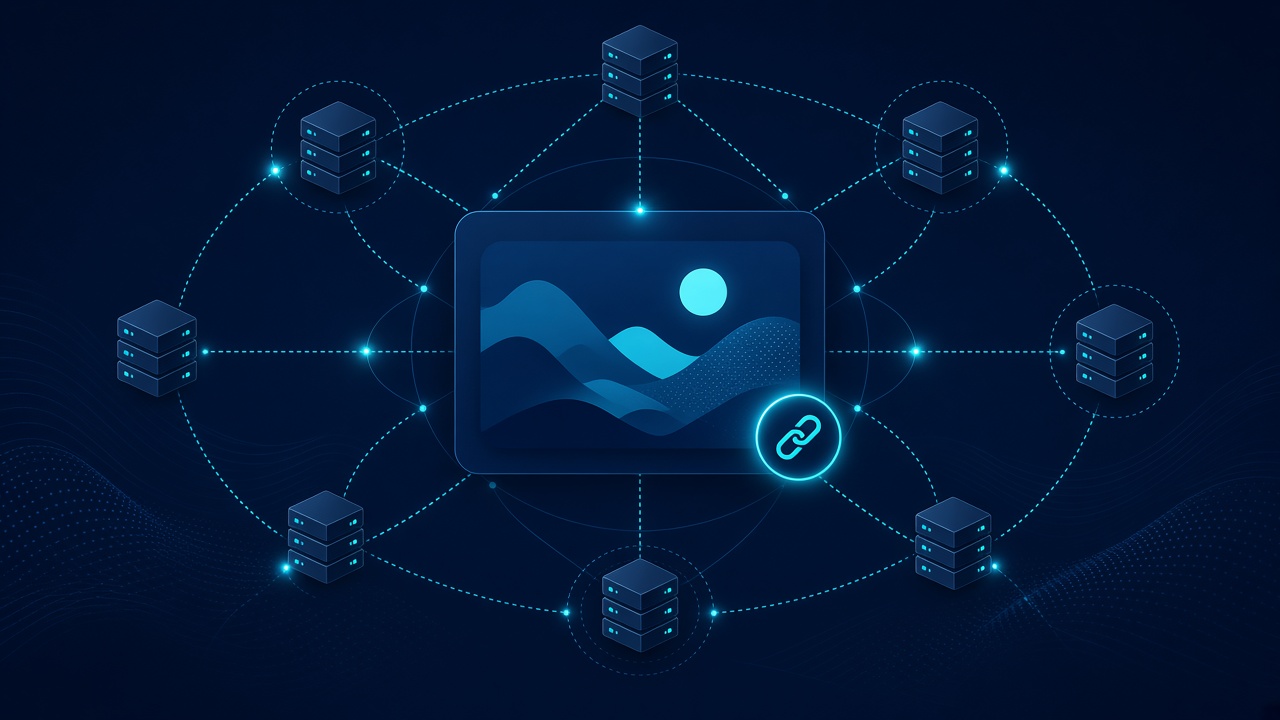
Preview
Share a URL before anything reaches production
Every branch can land on an isolated hostname. Designers, QA, and product open the real site — not screenshots — then you promote when the review is done.
Scenes from a first deploy
From repository connect through preview and domain attach — the same surface your team uses every day.
Common questions
Join the discussion
No comments yet. Be the first to share your thoughts.